


Five steps to install the Coachello app for Slack
The digital coaching platform trusted by 100 + global companies worldwide








Coachello Installation
The #Coachello App for Slack empowers emerging leaders in your organisation to find their growth opportunities and work on them through 1:1 coaching. Think of it as 100% personalised people development.
This manual gives an overview of how to install the Coachello application within your organisation’s Slack. For more information on how to use Coachello please see our client-manual.
Company wide deployment
- Go to https://dashboard.coachello.io – under Tools click the Add to Slack button.
- Click “Allow” on the page that opens
- Create a coaching channel (e.g. coachello-coaching) and adding the plug-in to it
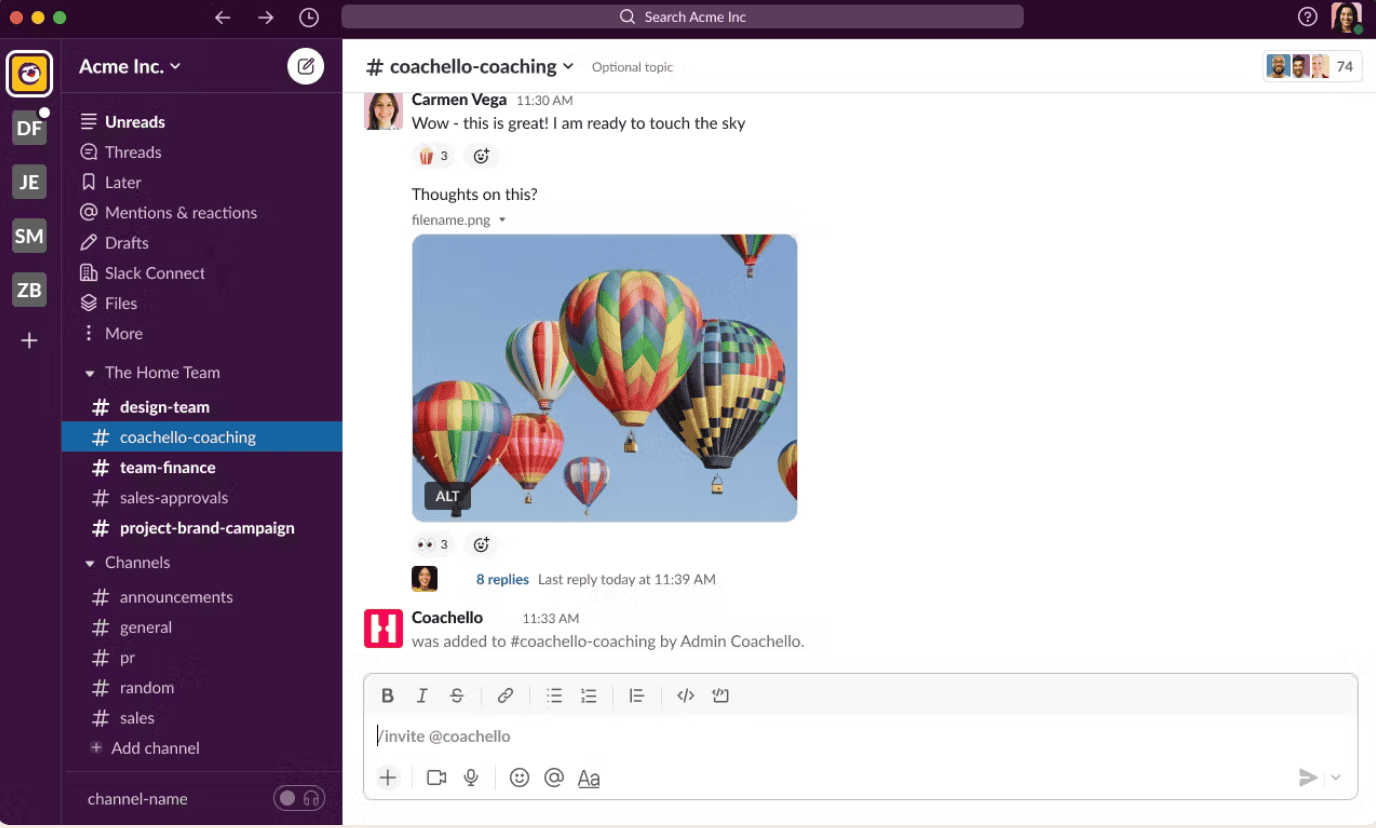
Deployment to specific people
1. Go to https://dashboard.coachello.io – under Tools click the Add to Slack button.
2. Click “Allow” on the page that opens
3. In your dashboard go to Groups
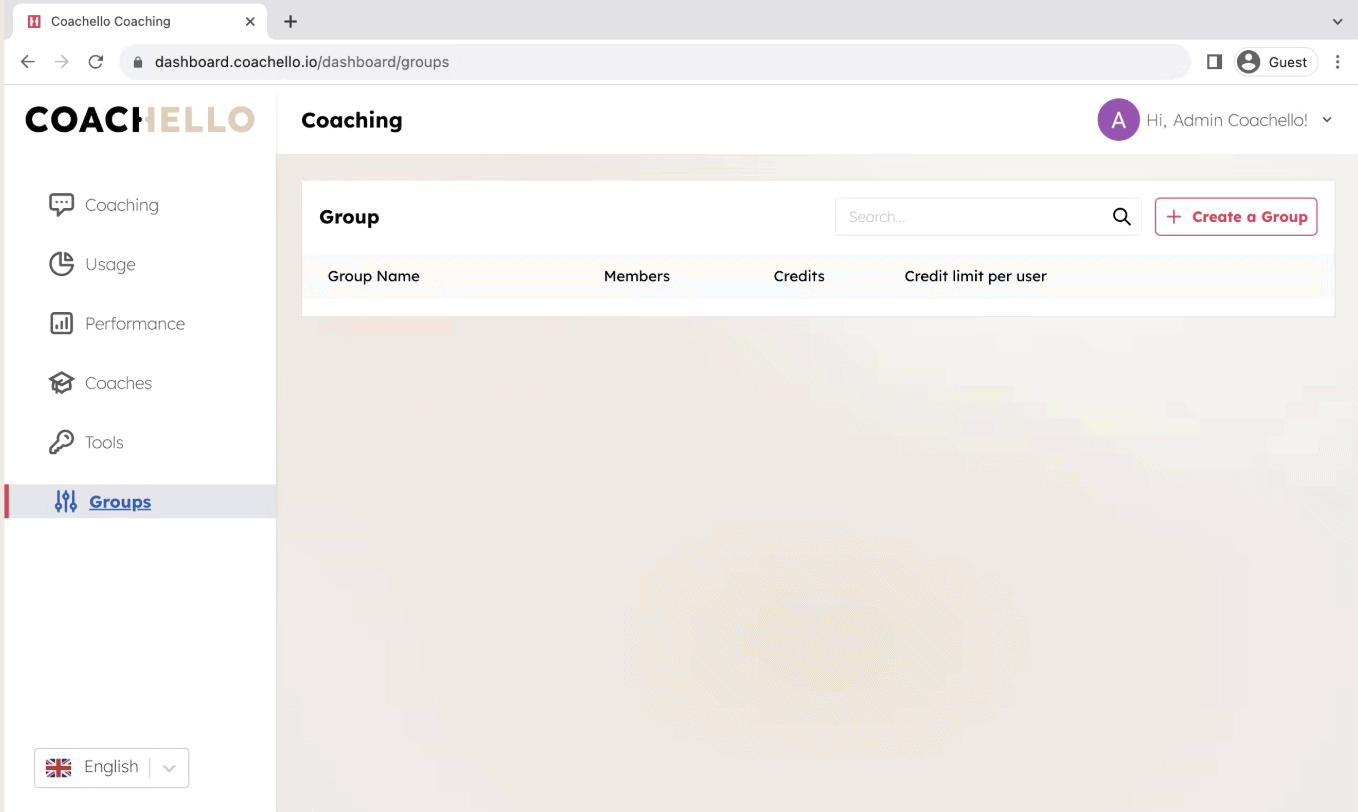
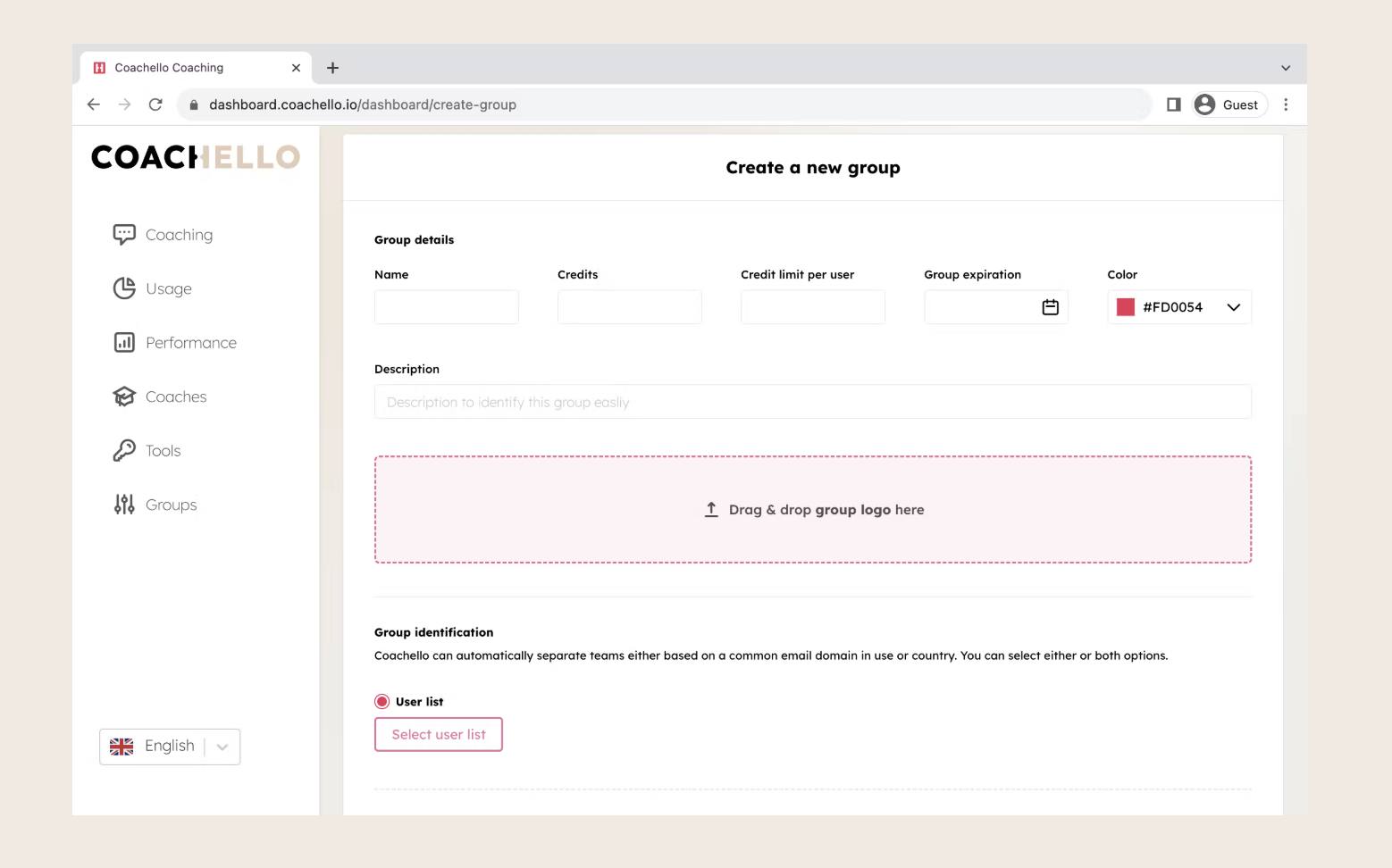
Create a Group
Create a Group (e.g. “Leadership Team”) and assign the amount of sessions per person
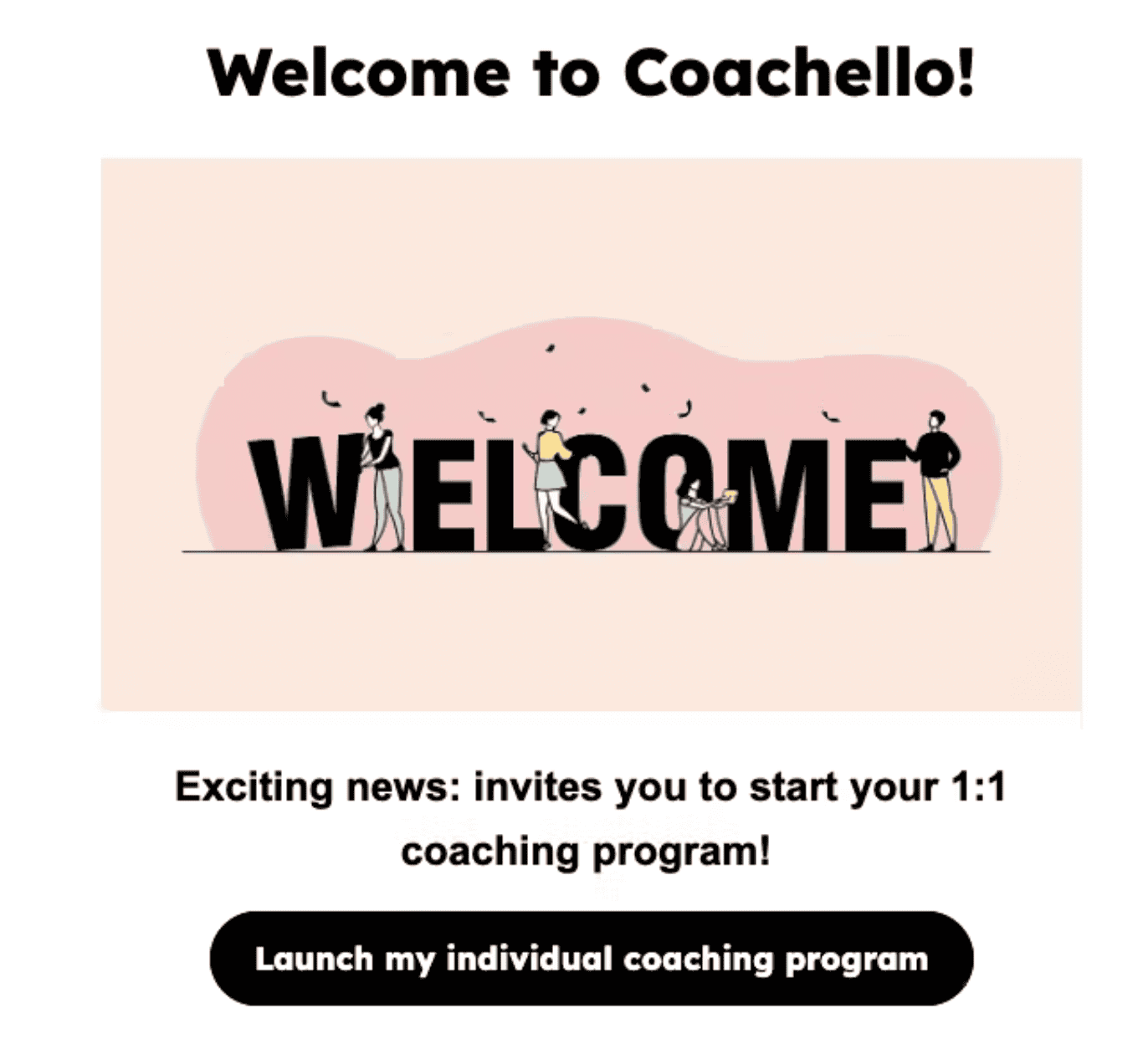
Launch Coaching program
Once you have invited the individuals the people in your company will receive a Welcome e-mail from which they can Launch their coaching program in Slack
Want to empower leaders across your organization?
Discover how Coachello helps leaders lead with clarity and resilience, while delivering the transformational impact your organization needs.

Enter your email and we’ll send you the brochure